AI Tools Built Specifically for Civil Structural and MEP Firms
Test AI tools against the specific deliverables your firm needs to improve.
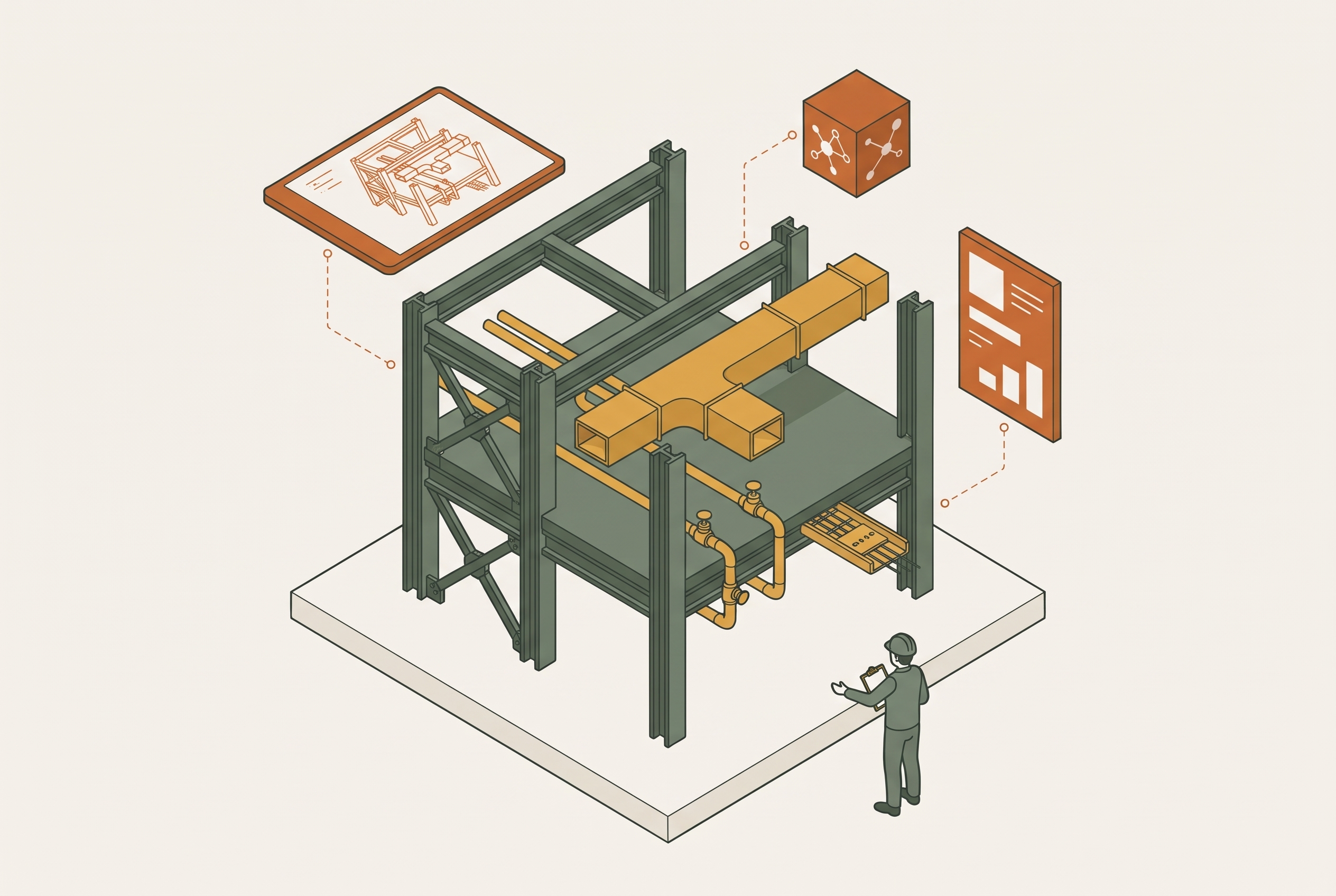
AI tools built specifically for civil, structural, and MEP firms are best evaluated by the deliverable each tool handles. To use AI in Autodesk and Bentley software, firms should identify the design, analysis, coordination, or review task they need to improve, then test the tool’s fit with their existing platform.
Why evaluating AI tools by deliverable rather than capability claim leads to better purchasing decisions
Capability breadth is a poor proxy for engineering fit. A claim that a product “does AI for engineering” does not establish whether it can handle a drainage study, a connection detail, or a clash-resolved coordination drawing. Those outputs belong to different workflows and require different kinds of support. Civil teams produce site and grading plans, drainage studies, and utility coordination sets, while structural teams produce calculation packages, connection details, and drawing sets. MEP teams add routing layouts, equipment schedules, coordination drawings, and fabrication inputs, making the deliverable a more useful unit of comparison than the discipline label alone.
The distinction changes how a purchase is judged. An analysis tool bought to catch coordination errors can disappoint even if its analysis capabilities perform as intended. Conversely, drawing review does not substitute for member sizing. Evaluating tools against a named output and project phase makes those boundaries explicit before the firm commits to a subscription. It also exposes gaps that a feature comparison can conceal, because several products may address the same review task while leaving a costly design or documentation task untouched.
How do civil AI tools fit Autodesk and Bentley workflows, and where does each tool stop?
A site layout is not a grading plan. Though both describe the same project, they answer different questions at different stages of the work. So a firm cannot assume that a tool that helps explore a site can also prepare its drainage study or review its construction drawings.
TestFit supports early site-layout exploration, with a primary mode that provides a single best-fit solution that can be adjusted in real time and a separate generative design feature that tests many configurations. That places it in concept exploration, a separate stage from construction-document review. The distinction is useful when evaluating claims about generative design. A firm that wants to explore sites faster is looking for a different deliverable from a firm that wants fewer errors in a utility coordination set.
Autodesk Civil 3D belongs to the detailed civil-design workflow, but the presence of Autodesk AI enhancements should not turn its entire feature set into an undifferentiated AI claim. The purchasing question is narrower. Which task does the tool automate, what output does it produce, and how does that output fit into the firm’s current Civil 3D work? The same discipline applies to Bentley OpenRoads Designer and Bentley’s iTwin digital-twin technology. Bentley identifies OpenRail as a distinct application for railway design, so capabilities should remain attached to the relevant product rather than attributed to the Bentley portfolio as a whole.
Construction drawing QA/QC occupies another stage entirely. Buildcheck runs automated checks across civil and other disciplines, but the firm still needs to find out which drawing issues those checks cover. That does not make it a replacement for concept exploration or detailed design. A concept tool can also have a small role in construction-document review without that being a flaw. These boundaries are intentional, and a civil stack can cover site exploration, detailed design, and drawing review only when each phase has an explicit place in the purchasing decision.
What structural AI tools own, and why analysis and drawing review must be treated as separate purchases
A calculation package, a connection detail, and a drawing set are related outputs, but they are not interchangeable evidence of completion. Analysis addresses a different task from drawing QA/QC. A firm that treats either category as a substitute for the other leaves part of the workflow uncovered, even when the selected tool has substantial capabilities within its own scope.
VIKTOR has a low-code platform where engineers in civil, structural, and geotechnical engineering can build and share Python-powered web applications. Its place in an evaluation is therefore different from that of a ready-made drawing-review product. The firm is considering a way to build custom workflows. Whether that addresses a structural bottleneck depends on the application being built and the deliverable it is intended to support. The platform’s flexibility does not, by itself, establish coverage of calculation packages, connection details, or drawing review.
Structures AI flags issues during design, while Helonic and Buildcheck check the issued set. A design-stage finding can inform work before the set is issued, while review of the issued set examines documentation at a later point. Purchasing both may be justified, but only when the firm understands the separate role each serves rather than counting both as equivalent “structural AI” coverage.
When testing a tool for structural analysis, the firm must check whether it can do the calculation work needed, while tests of drawing review must show which documentation issues it can find. Neither result answers the other question. Structural specialization narrows the field, but the deliverable and the review stage determine the fit.
An analysis tool bought to catch coordination errors can disappoint even if its analysis capabilities perform as intended.
Where MEP AI tools focus — routing and layout, clash detection, fabrication, and site documentation each handled by a different tool
MEP presents the most fragmented workflow of the three disciplines. Routing and layout, clash detection, fabrication, and site documentation each require a distinct role in the stack. Equipment schedules introduce another output whose coverage must be checked separately from layout automation. A tool that proposes a route is not necessarily a tool that resolves cross-discipline coordination, and a coordinated model is not automatically a fabrication input. Before buying, the firm should check each of those handoffs on its own.
Generative layout and design sit at the beginning of that sequence, where the relevant outputs are routing layouts and the design information needed to develop them. This is a design task first. Claims about AI in Revit should therefore be evaluated against the particular output being automated rather than accepted as evidence that routing, schedules, coordination, and fabrication are all covered. Platform compatibility and task coverage are separate questions, and a broad request to “automate design” does not establish either one.
Solibri occupies the coordination and checking part of the evaluation, with clash detection among the capabilities that overlap across available tools. Buildcheck provides automated checks across architectural, structural, MEP, civil, landscaping, fire protection, and low-voltage disciplines, placing it in a broader drawing-review role. Helonic also belongs in the issued-set review comparison. These are not necessarily equivalent purchases. The firm must distinguish cross-discipline coordination from within-discipline code compliance and determine when each product examines the work.
Trimble SysQue addresses fabrication-ready design through data-rich models created natively in Revit using manufacturer-specific content, with integration to field layout tools through Trimble FieldLink. Its fabrication role is distinct from a general drawing check. A firm evaluating it is considering the transition from the design model to fabrication and field-layout work. That distinction prevents a coordination subscription from being counted as fabrication coverage. It also keeps the evaluation tied to the output the detailing team actually needs.
After those design and coordination choices, the firm still needs tools for site documentation. Coverage cannot be inferred from fabrication support alone. A team using Procore, for example, still needs to establish how a proposed AI tool fits its existing workflow. Taken together, these boundaries mean an MEP team may need four distinct tool categories to cover layout, coordination, fabrication, and site documentation.
What a discipline-spanning stack actually looks like when tools are chosen by deliverable
Across the three disciplines, the same functional categories recur, including early-stage exploration, detailed design and analysis, and drawing QA/QC. A stack that spans disciplines gives each category a clear job wherever the firm needs it. Civil concept exploration may sit with TestFit, while MEP fabrication work sits with SysQue and drawing review uses a product whose scope crosses disciplines.
Overlap becomes useful only when its purpose is clear. Solibri, Buildcheck, Helonic, and platform-embedded capabilities such as Revit’s AI features can all enter a clash-detection comparison, but the shared label does not establish that they perform the same job. The firm needs to test cross-discipline coordination and within-discipline code compliance on their own. Timing adds another criterion, because design-stage checks and issued-set checks intervene at different moments. Subscribing to several tools without resolving those distinctions can create redundancy without improving lifecycle coverage.
Integration is an equally important filter. A capable tool is a poor fit if using it requires the firm to abandon Civil 3D, Revit, or Procore for the work it is meant to improve. The AI should fit the existing workflow. For the same reason, answers about built-in Autodesk or Bentley AI features must name what each product can do. The relevant comparison is between the deliverable, the automation available for it, and the path by which the result enters the firm’s working environment.
A point-solution stack is a valid choice for firms willing to manage those boundaries and subscriptions. An AI partner working across disciplines inside existing tools offers another route, particularly when its scope includes learning the firm’s past projects and standards and supporting design, calculations, reports, and plan checks. Neither model earns preference by breadth alone. Both must demonstrate coverage of the firm’s actual bottlenecks. The purchasing sequence should address the highest-cost coordination failures first rather than favoring whichever product presents the longest feature list.
How to approach the buy decision when the tool landscape is this fragmented
The lesson for buyers is to begin with the deliverable that consumes the most time or generates the most rework. That is the first purchase candidate. The firm can then test whether the proposed tool handles that output at the right project phase, instead of judging it by how impressive its demonstration looks. This keeps specialization in perspective. A narrow tool can be the right purchase precisely because it is not trying to generalize across every form of engineering work.
The next step is to test integration before committing. The relevant environment may include Procore, Autodesk Construction Cloud, Civil 3D, or Revit, and the evaluation should reflect the platforms the team already uses. A parallel workflow is an adoption obstacle. For drawing review specifically, the priority should be tools that combine AI detection with human expert validation. Cutting false positives needs as much care as finding real issues, because noisy findings teach engineers to ignore the review output.
For most small and mid-size firms, this process does not require building a custom AI system. Off-the-shelf AEC-specific tools handle most use cases by far, without the need for data scientists or custom development. Selection is the central investment. Workflow redesign then gives the selected tool a defined place in delivery, including what it produces and when that output receives professional review.
Professional accountability remains with the licensed engineer. Regardless of the selected product or purchasing model, AI output used in licensed engineering work must be reviewed and stamped by a licensed professional. Automation changes who performs the work and how long it takes. It does not change who is accountable for the result.
Sources
- A Primer on AI Integration for Engineering Firms from the ...
Supported the article's claim that off-the-shelf AEC-specific tools handle most use cases without requiring custom development or data scientists.